HEX colors are one of the most common ways to define color on the web. If you have edited CSS or used a design tool, you have likely seen values such as #FF5733 or #1A1A1A. These codes look cryptic at first, but they are simply another way to write RGB values.
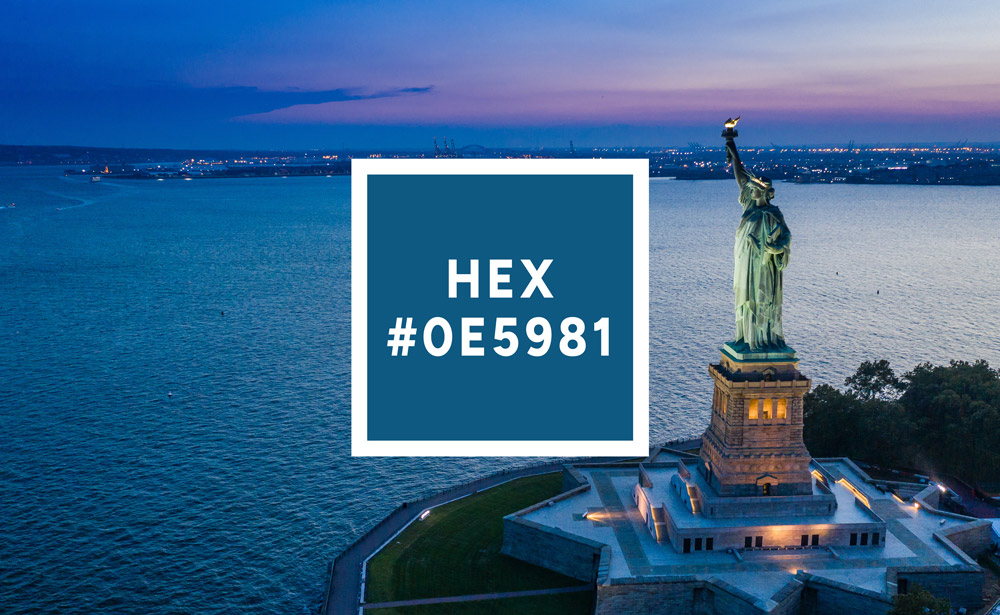
What Is a HEX Color Code?
A HEX color (hexadecimal color) is a six-digit code that represents a specific color using a base-16 numbering system. It always starts with # followed by six characters. Each character is a hexadecimal digit:
- Numbers:
0–9 - Letters:
A–F(ora–f)
Common examples:
#FFFFFF → white
#000000 → black
#FF0000 → red
#00FF00 → green
#0000FF → blue
Behind the scenes, each HEX code encodes how much red, green, and blue light the display should mix to produce the final color.
How HEX Encodes RGB
Screen colors are built from red, green, and blue channels, each with an intensity from 0 to 255. An RGB color is often written as:
rgb(R, G, B)A HEX color is the same information written in base-16. The general pattern is:
#RRGGBB- RR — red channel
- GG — green channel
- BB — blue channel
Each pair is a hexadecimal number from 00 to FF, corresponding to 0 to 255 in decimal:
00→ 0 (no intensity)FF→ 255 (maximum intensity)
Example: Breaking Down #FFAA33
Take the HEX color:
#FFAA33Split it into three pairs:
- FF → red
- AA → green
- 33 → blue
Convert each pair from HEX to decimal:
FF→ 255AA→ 17033→ 51
So #FFAA33 is equivalent to rgb(255, 170, 51), a warm orange with strong red, medium green, and low blue.
Converting HEX to RGB Manually
Each HEX pair is a base-16 number. Hexadecimal digits represent values from 0 to 15:
0–9→ 0–9A→ 10B→ 11C→ 12D→ 13E→ 14F→ 15
To convert a two-digit pair to decimal:
(first digit × 16) + second digitStep-by-Step Example: #3498db
Start with the color: #3498db
Split it into pairs:
- 34 → red
- 98 → green
- db → blue
1. Convert 34 to decimal
Digits: 3 and 4
(3 × 16) + 4 = 48 + 4 = 52Red = 52
2. Convert 98 to decimal
Digits: 9 and 8
(9 × 16) + 8 = 144 + 8 = 152Green = 152
3. Convert db to decimal
Digits: d and b
d→ 13b→ 11
(13 × 16) + 11 = 208 + 11 = 219Blue = 219
Result
#3498db converts to: rgb(52, 152, 219)
In normal workflows, this conversion is handled by color pickers or converter tools rather than done
manually.
3-Digit and 8-Digit HEX Codes
Besides the standard six-digit form, you may see shorter or longer HEX codes.
3-Digit Shorthand
Three-digit codes such as #FFF or #F80 are shorthand. Each digit is doubled to
form the full six-digit version:
#FFF → #FFFFFF  (white)
#000 → #000000  (black)
#F80 → #FF8800  (orange)
8-Digit HEX with Alpha
Some environments support #RRGGBBAA, where the last pair encodes an alpha (opacity) value:
#3498db80 → rgb(52, 152, 219) at ~50% opacityThis is conceptually similar to rgba(52, 152, 219, 0.5), but written in HEX form.
HEX vs RGB vs HSL
The same color can be written in several formats. For example:
#3498db
rgb(52, 152, 219)
hsl(204, 70%, 53%)
Each format has different strengths:
| Format | Represents | Strengths |
|---|---|---|
| HEX | R, G, B channels in base-16 | Compact, familiar in CSS, easy to copy/paste |
| RGB | R, G, B channels as 0–255 values | Close to hardware representation, clear for channel inspection |
| HSL | Hue, Saturation, Lightness | Intuitive for adjusting tints, shades, and overall tone |
Common Pitfalls
- Forgetting the leading
#(e.g., writingFFFFFFinstead of#FFFFFF) - Using five digits by mistake (e.g.,
#12345) instead of three or six - Assuming all environments support 3-digit or 8-digit forms
- Misreading similar values (e.g.,
#0E5981vs#0E5B81) in dense palettes - Expecting HEX values to look identical on uncalibrated displays
Where HEX Colors Are Used
HEX values appear throughout digital work, especially where code and design meet:
- CSS and design systems for web interfaces
- UI and UX design for apps and web platforms
- Brand and identity guidelines
- Game UI elements and HUDs
- Digital illustration and graphic tools
Working With HEX Colors in Practice
In real projects, HEX colors are usually chosen and adjusted visually rather than typed from memory. Color pickers and extraction tools handle the heavy lifting for:
- Selecting colors and copying HEX codes
- Converting between HEX, RGB, and HSL
- Sampling colors from photos and screenshots
- Building and refining palettes for branding or UI themes
Tools like Swatching can extract HEX colors directly from images and show multiple formats side by side, making it easier to move between design tools and code.
To build familiarity with HEX values, you can:
- Inspect colors in your browser’s dev tools and note the HEX and RGB versions
- Adjust one channel at a time and observe how the color shifts
- Convert a small palette between HEX and HSL and compare how each format feels to work with
- Sample colors from photographs and see how natural scenes map to HEX codes